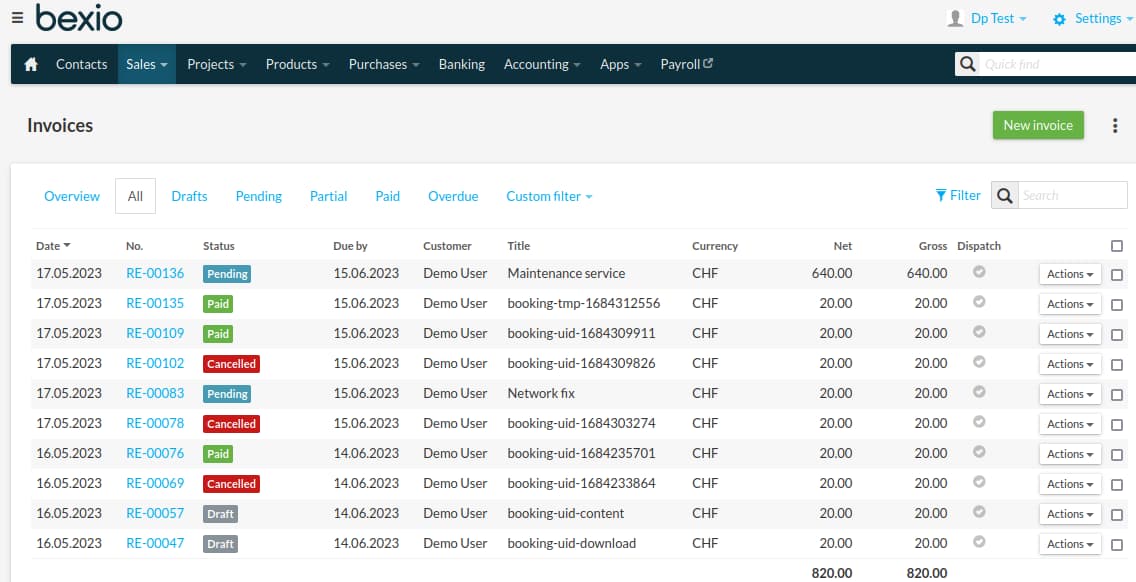
The DPCalendar Bexio plugin integrates the Bexio business and accounting service as payment plugin into DPCalendar. It can be used for Swiss QR code bill payments while booking an event. When a booking is created, then an invoice in Bexio is issued and automatically sent out, when activated. It eliminates the extra task of copying data between both systems.
The plugin uses the Bexio API to communicate with the platform, which supports the secure OAuth2 authentication. Therefor it si required to generate the required credentials, as described in the "Refresh token generation" chapter.
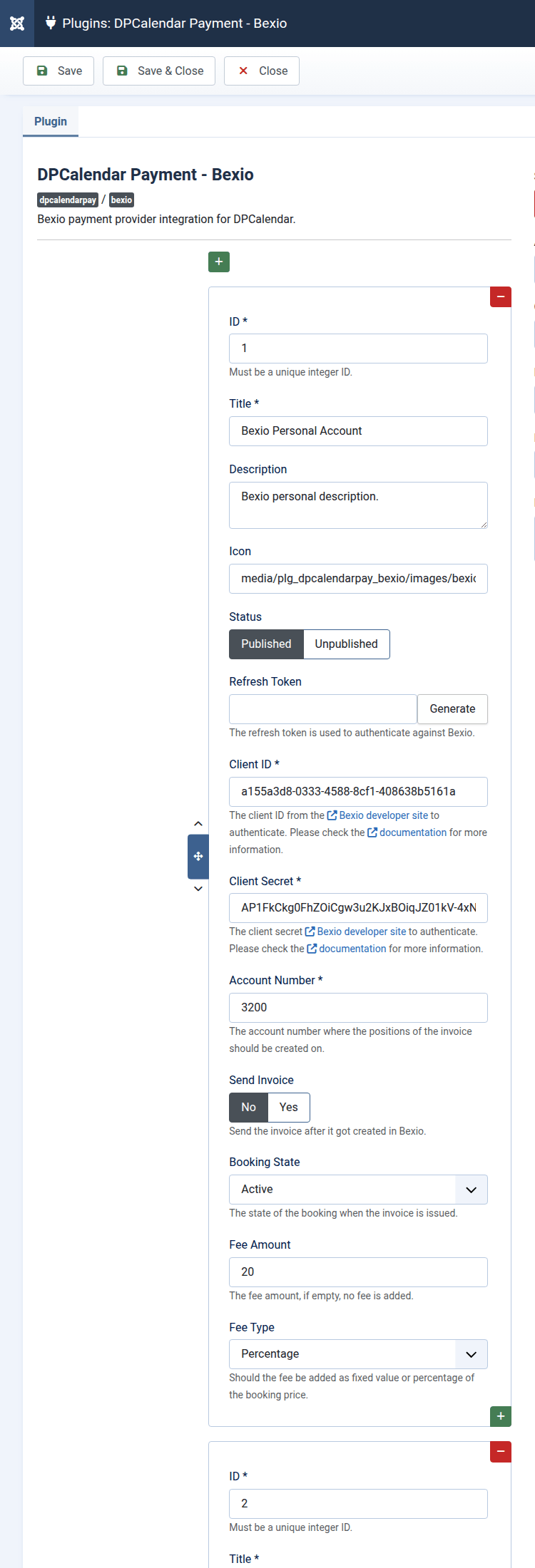
The DPCalendar manual plugin allows to add unlimited Bexio accounts to DPCalendar. When the plugin is opened in the back end, then you can click on the "+" button to add a new configuration. There you can fill the following fields:
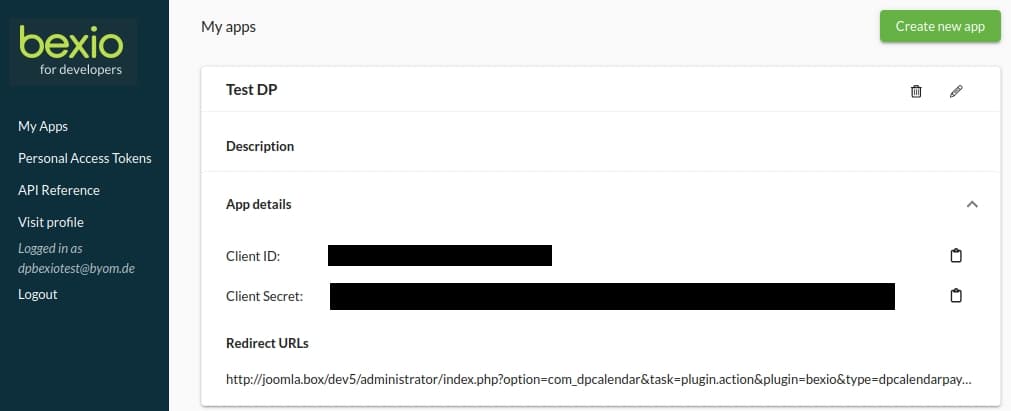
Bexio is using the widely accepted OAuth2 standard to make API requests. To be able to authenticate while doing these API requests, an API key, API secret and refresh token is needed. The following steps are needed to get the credentials:
After these steps are done, the refresh token field should be filled and the Bexio plugin is ready to use.
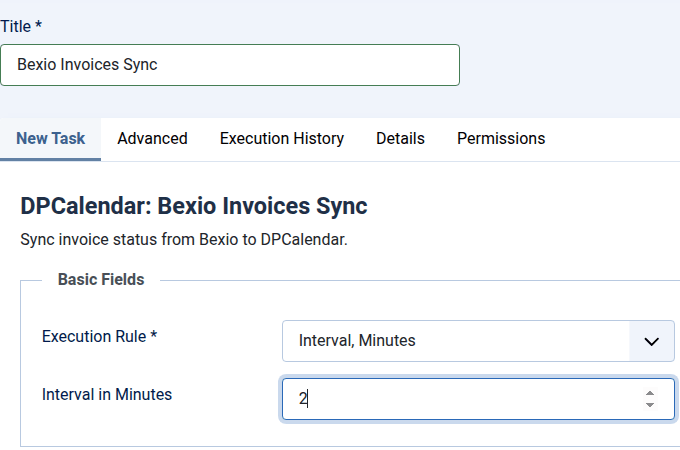
When the DPCalendar Bexio plugin is enabled, the Task plugin can check if there are some paid invoices in Bexio and does activate the booking automatically. Together with the automatic bank sync in Bexio itself, it is possible to automate the whole process from issuing invoices in Bexio till automatic activation of bookings in DPCalendar.

Comments (0)